
Your publisher sales reps can customize your catalogs, adding notes, tags, priorities and comparable titles. You can find those marked-up catalogs (“markups”) in a few different ways. The first and easiest is to add a Notifications and/or a Catalogs Shared with You widget to your Edelweiss homepage:
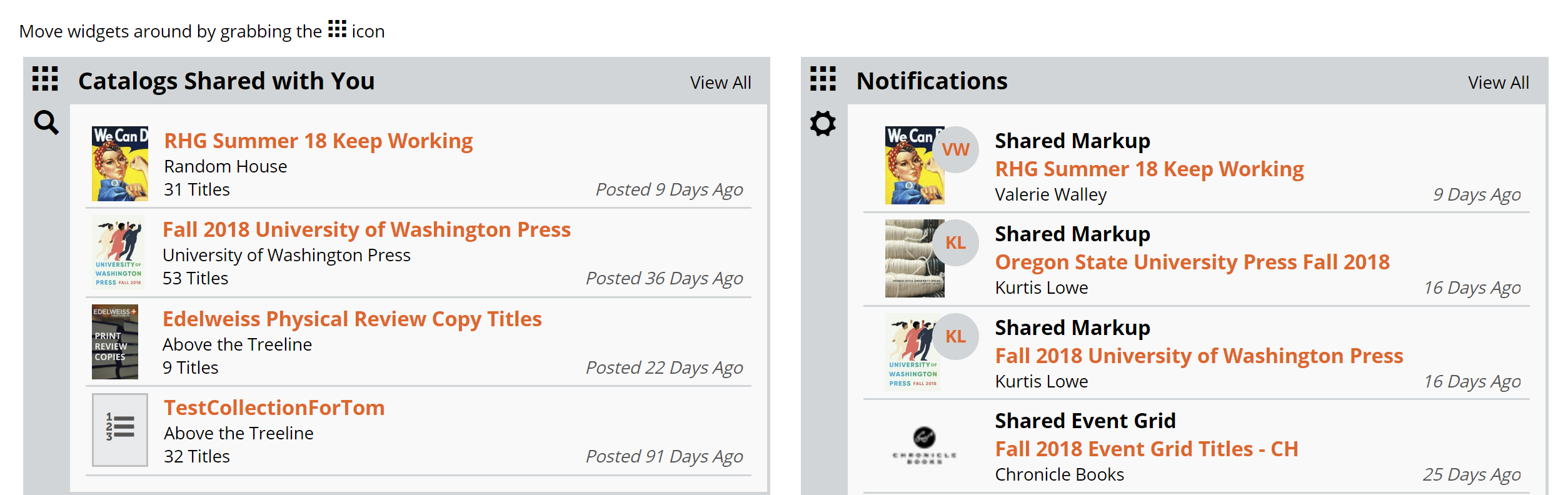
The second way to find a marked up catalog is to simply find the catalog itself. You can find instructions for finding specific catalogs here.
Catalogs that have been shared with you can be found by clicking into your Shared with You folder on your Catalogs page:

From there, you can also click the star icon to add them to your Worklist:

You can also sort Markups by Date Shared to see what has been shared with you most recently:

From the left-hand menu, you can also filter Shared catalogs/markups by rep:

When you view a catalog or even a title that a rep has marked up and shared with you, you’ll automatically see any notes, comp titles, priorities, and more that they’ve included.
